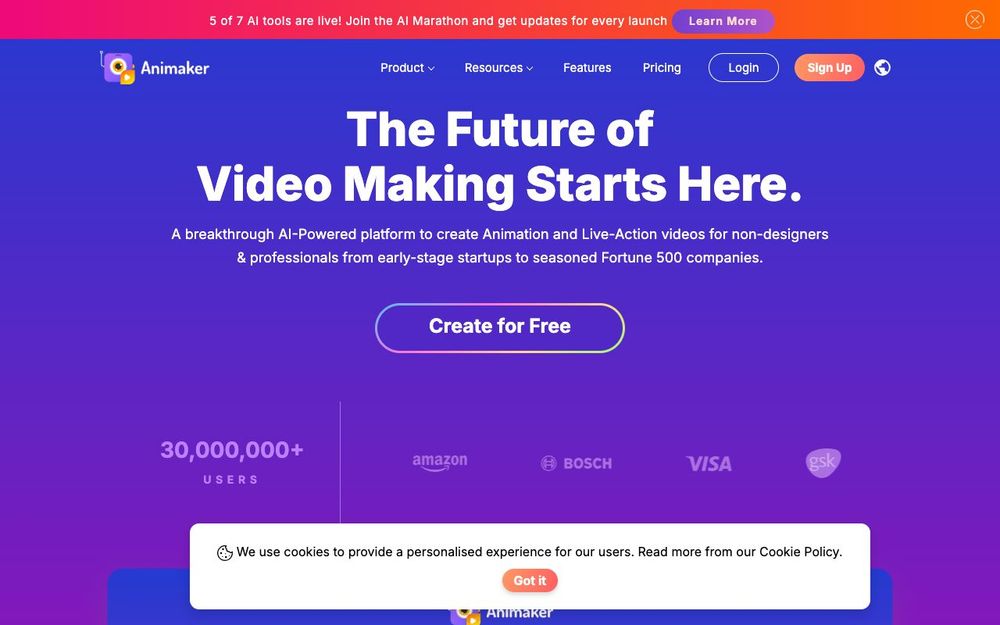
Animaker is an online video maker that brings studio-quality animation and live-action video creation to everyone.
No alternatives found yet.
Animaker is a cloud-based video creation platform that empowers users to create animated and live-action videos for various purposes. It offers a wide range of customizable templates, characters, and assets, making it accessible for both beginners and experienced video creators. With its intuitive interface and extensive features, Animaker simplifies the video creation process, allowing users to produce professional-looking videos without requiring advanced technical skills.
Easily create videos with an intuitive drag-and-drop interface.
Access a vast library of pre-designed animated characters.
Utilize a wide array of templates for various video types.
Choose from numerous backgrounds, music tracks, and sound effects.
Edit and enhance live-action footage with various tools.
Record voiceovers or import audio tracks to enhance videos.
Work with team members on video projects.
Easily share videos on social media platforms.
Features such as Smart Move, ActionPlus, and Camera Effects.
Animaker is designed for:
Create engaging marketing videos to promote products and services.
Develop educational videos for online courses and classroom instruction.
Produce explainer videos, training videos, and internal communications.
Design eye-catching videos for social media campaigns.
Create personal videos for events, presentations, and more.
How to use Animaker: