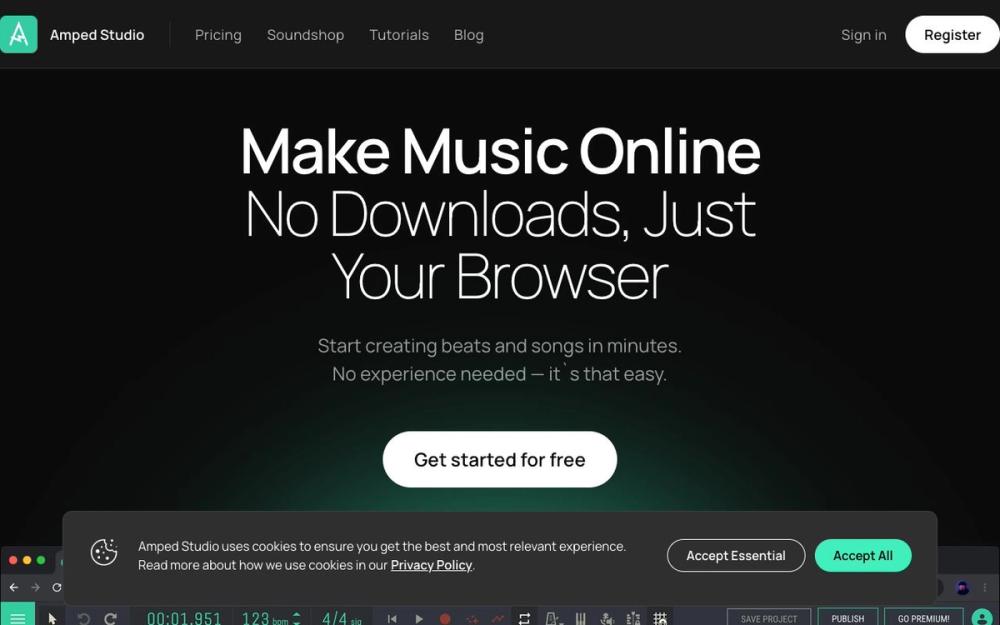
Amped Studio is a web-based digital audio workstation (DAW) that brings music production to your browser. It offers a comprehensive suite of tools for recording, editing, and arranging audio and MIDI, all within an accessible online environment. Whether you're a beginner or a seasoned professional, Amped Studio provides a flexible platform to bring your musical ideas to life.

Amped Studio
Amped Studio is a modern, web-based digital audio workstation (DAW) that allows you to create music online with ease.
Product Introduction
What is Amped Studio?
Key Features
Web-Based DAW:
Access your projects and create music from any device with a web browser.
Comprehensive Toolset:
Includes a wide range of virtual instruments, effects, and loops.
Audio and MIDI Recording/Editing:
Capture and manipulate both audio and MIDI data.
Advanced Features:
Supports VST plugins, automation, and collaboration.
Cloud Storage:
Store your projects securely in the cloud and access them from anywhere.
Easy Collaboration:
Seamlessly collaborate with other musicians and producers in real-time.
Use Cases
Amped Studio is designed for:
Musicians and Producers:
Create, record, and edit music online.
Beginners:
An easy-to-use interface makes it perfect for learning music production.
Collaborators:
Work on music projects together in real-time, regardless of location.
Educators:
Teach music production in a classroom setting without the need for complex software installations.
How to Use Amped Studio
- Sign Up: Create an account on the Amped Studio website.
- Start a New Project: Open the web-based DAW in your browser.
- Record or Import Audio/MIDI: Begin creating your music by recording or importing audio and MIDI files.
- Edit and Arrange: Use the built-in tools to edit, arrange, and mix your tracks.
- Add Effects and Instruments: Enhance your music with a variety of virtual instruments and effects.
- Collaborate: Invite others to collaborate on your project in real-time.
- Save and Export: Save your project to the cloud and export it in various formats.
Frequently Asked Questions

Alternatives of Amped Studio
No alternatives found yet.